Ask
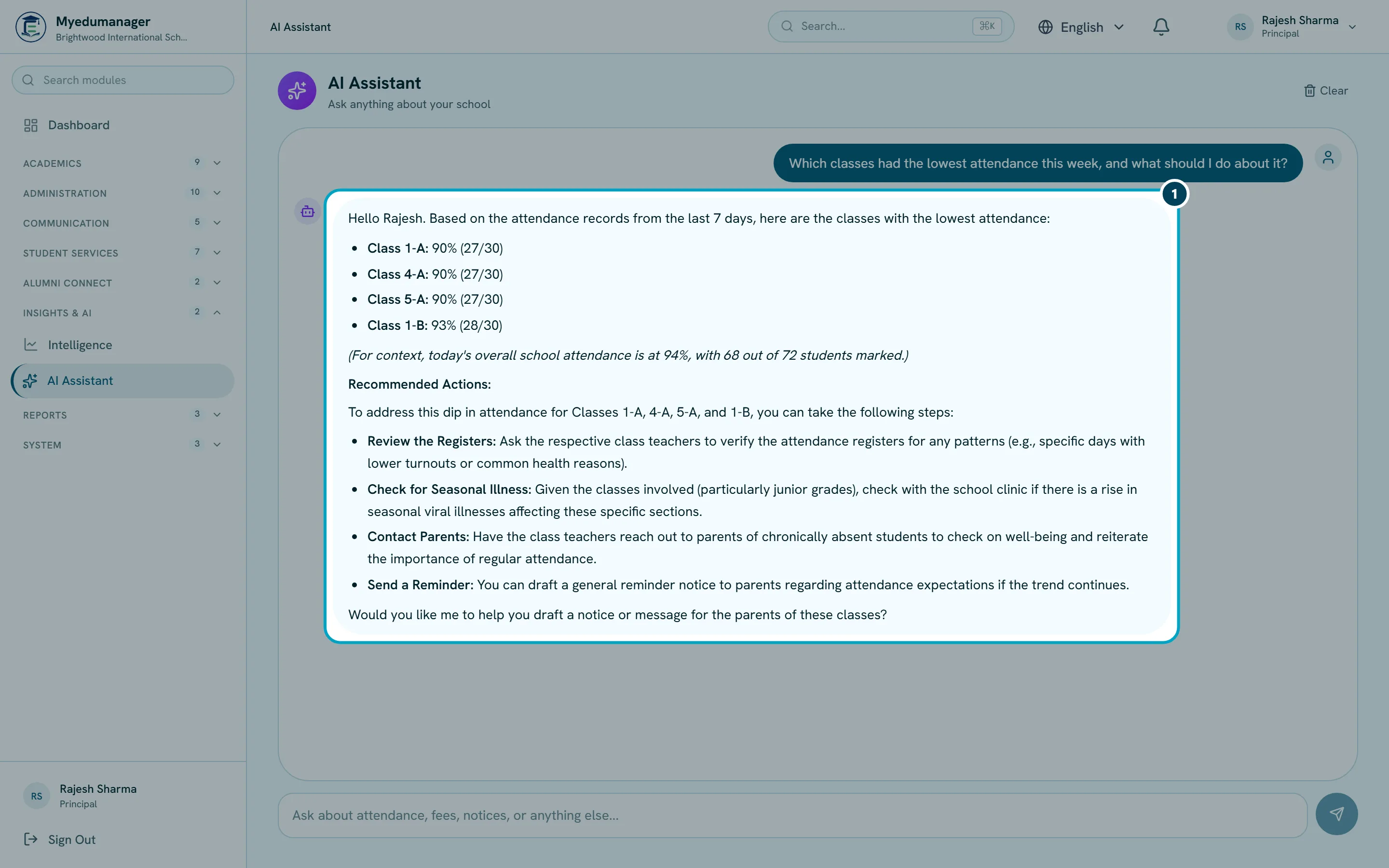
Leaders ask about the whole school, teachers about their own sections, parents about their own children.
Scoped to the role of the person asking.
For schools, colleges and universities
Admissions, attendance, fees, exams and parent communication for schools. Programmes, results and fee ledgers for universities. Alumni Connect for every graduate. With an AI assistant that only answers from what each person is allowed to see.
Built for three kinds of institution
A school sees classes and report cards. A university sees programmes, credits and moderation. Alumni Connect keeps every graduate close.
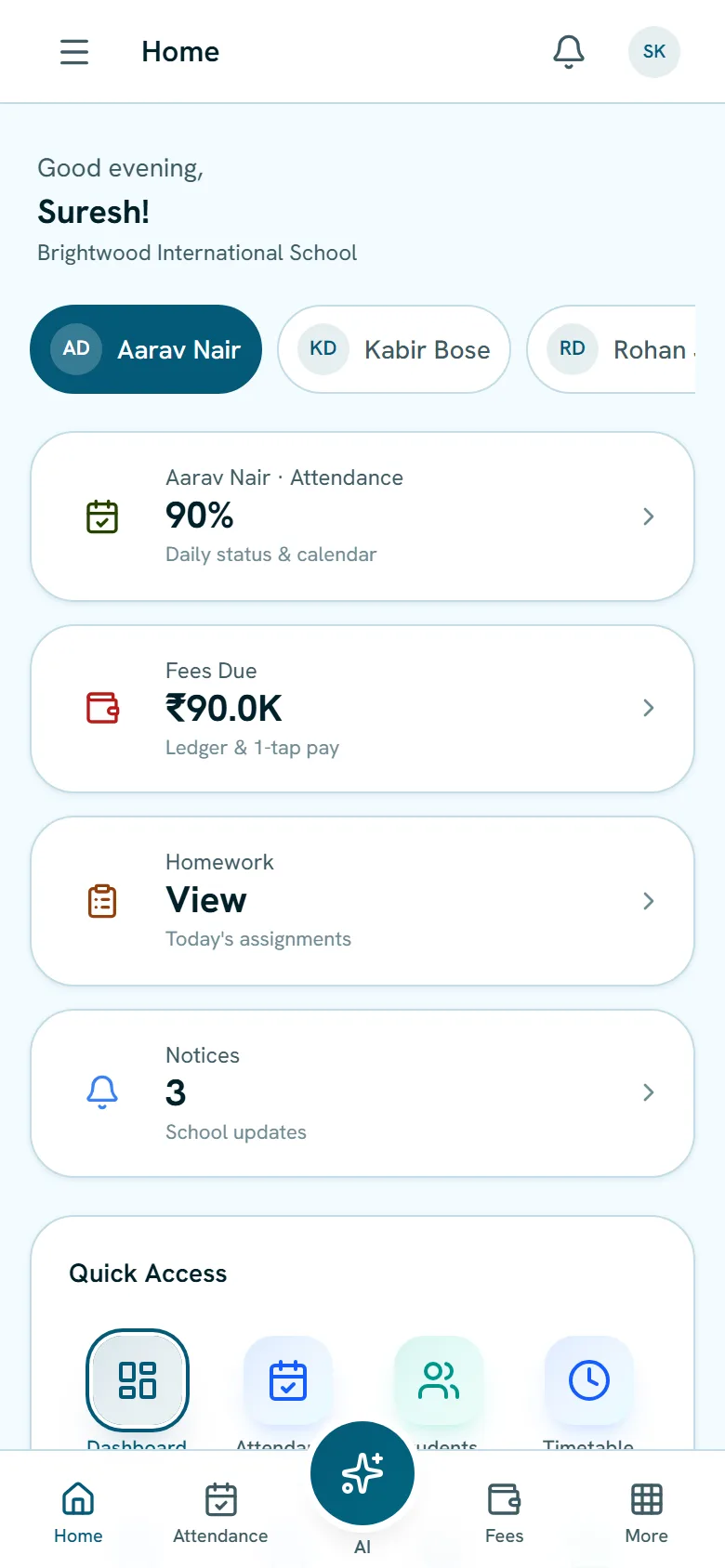
A calmer school day for staff and parents: one tap attendance, fees at a glance, notices that reach every phone.
Learn more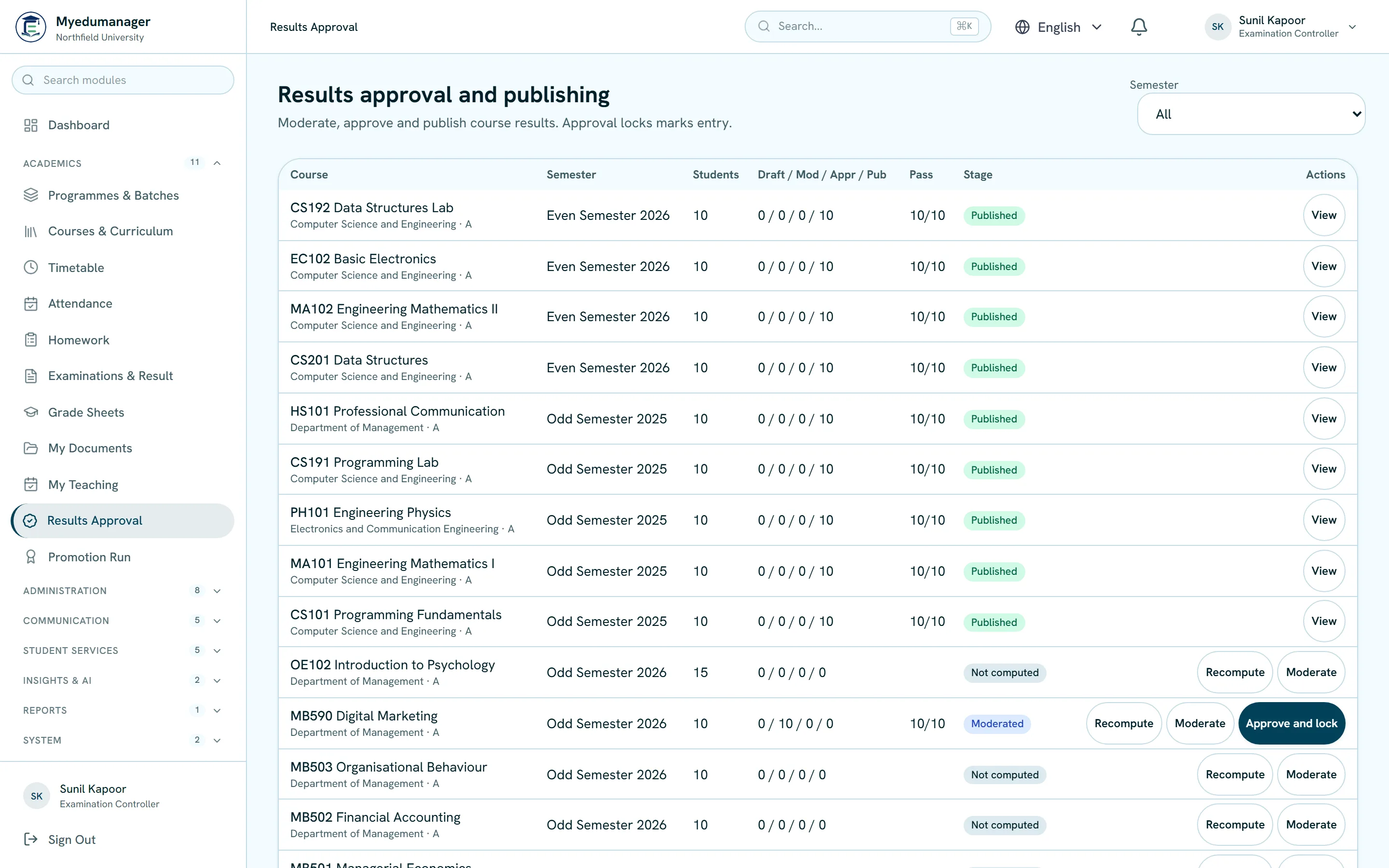
Course registration, results with moderation and approval, credit based fee ledgers and department scoping.
Learn more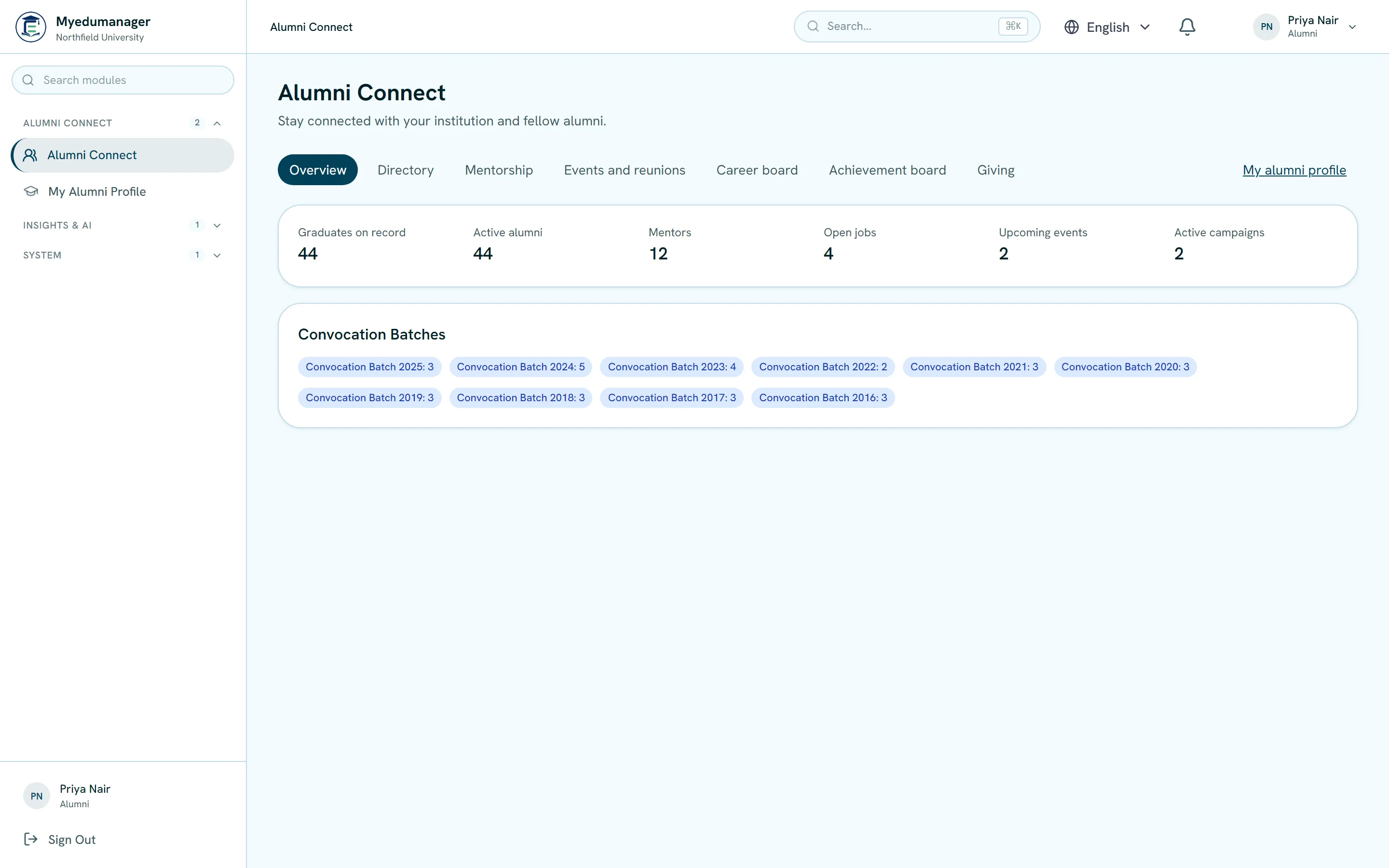
Graduation creates the alumni profile. Directory, mentorship, events with entry passes and a career board.
Learn moreAI that knows its limits
The assistant answers from your own records, and only from what the person asking is allowed to see. Every AI summary is labelled as AI generated.
Leaders ask about the whole school, teachers about their own sections, parents about their own children.
Scoped to the role of the person asking.
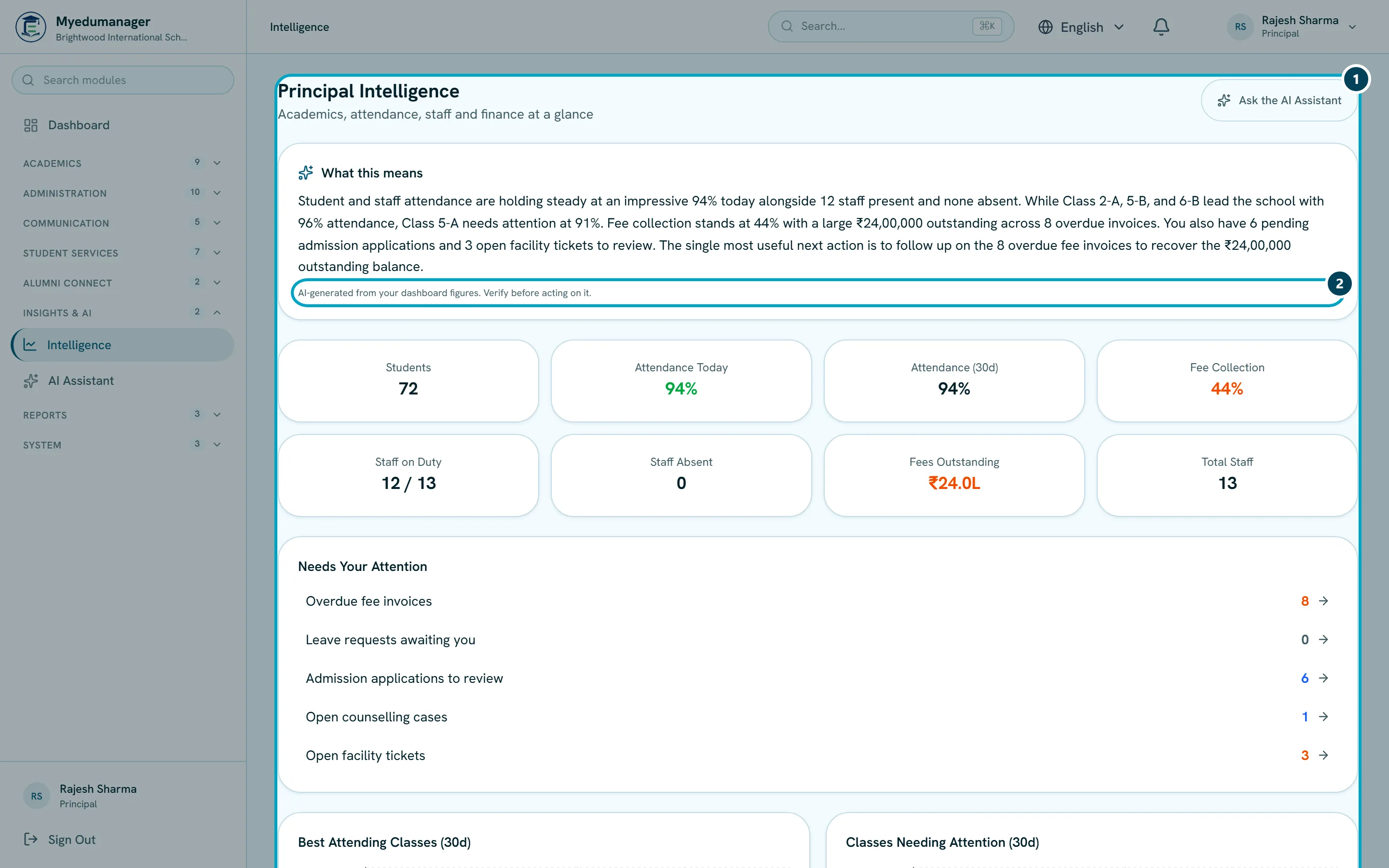
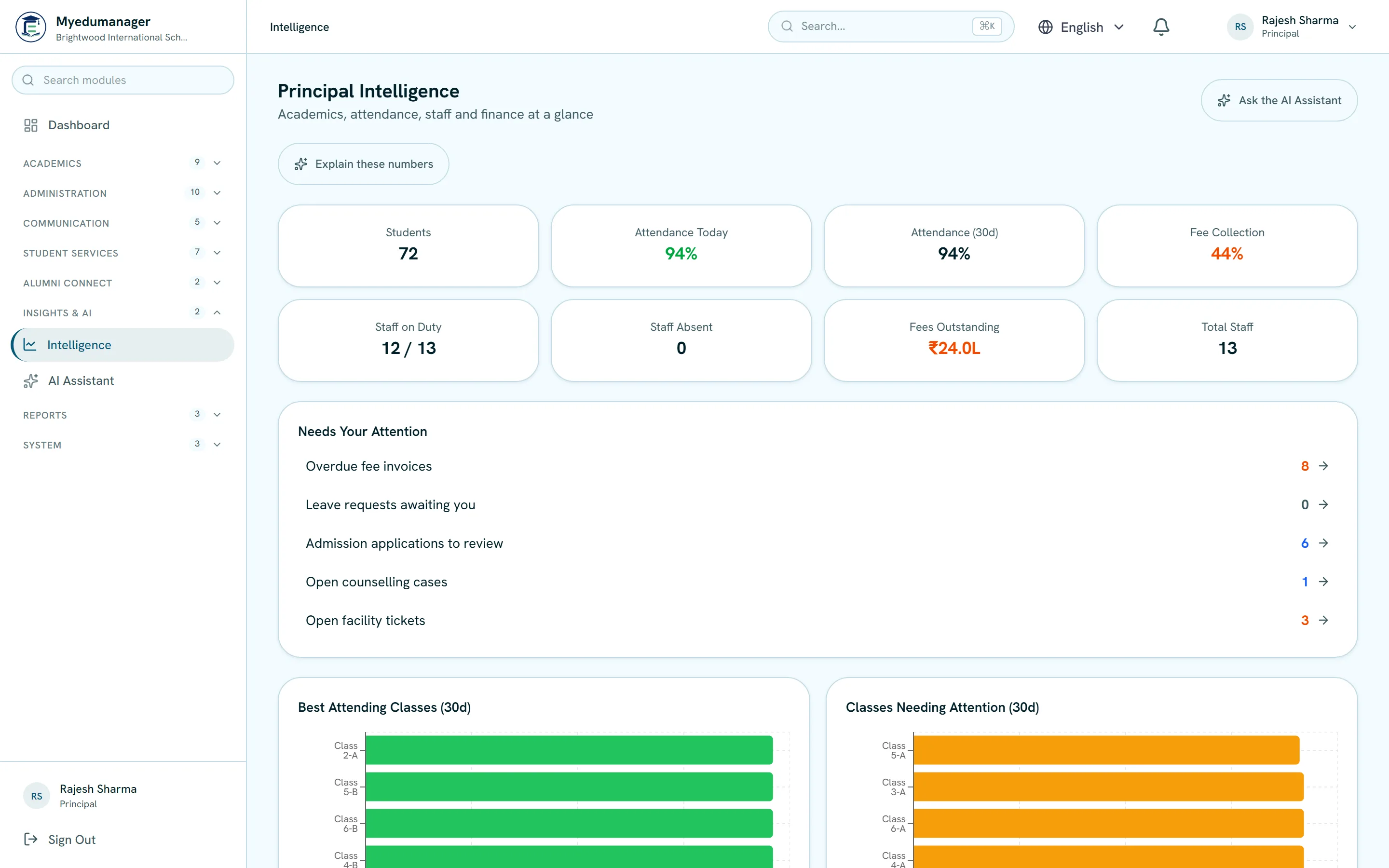
One click turns the Intelligence dashboard into a short summary with one suggested next step.
Only on request, and always labelled as AI.
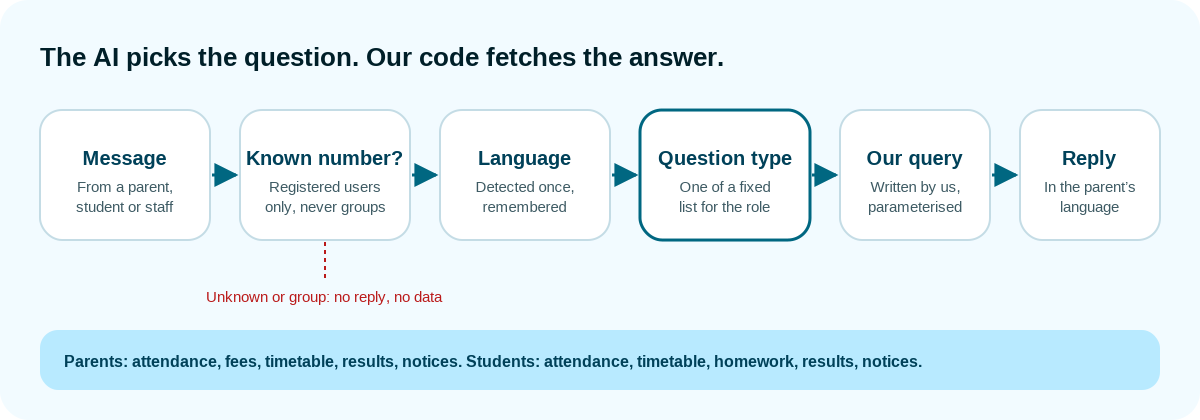
Parents ask on WhatsApp in their own language and get attendance, fees or the timetable back.
The AI picks the question type. Our own code fetches the answer.
A day with MyEduManager
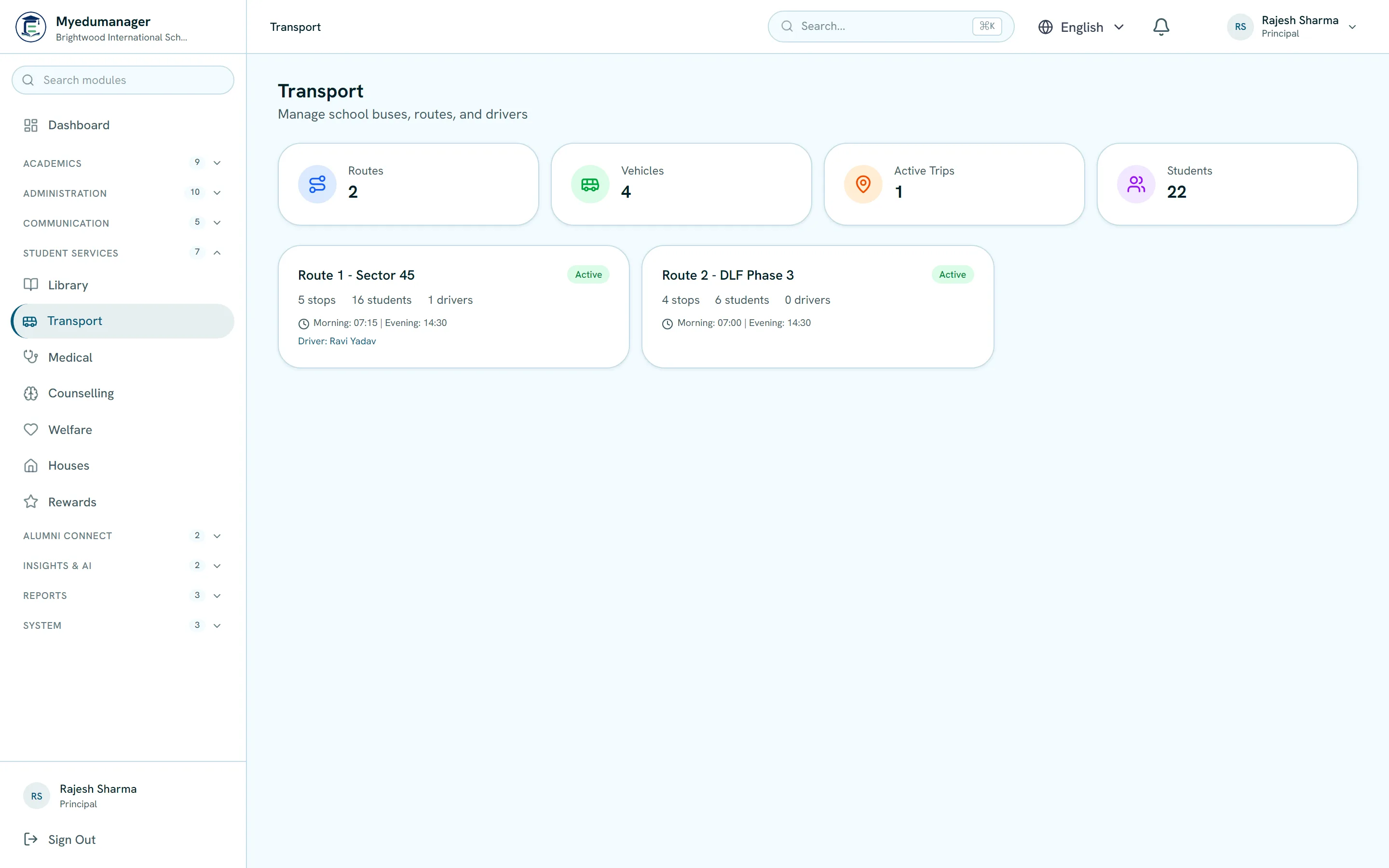
7:40
The driver starts the trip from a phone. The office sees every bus on the road.
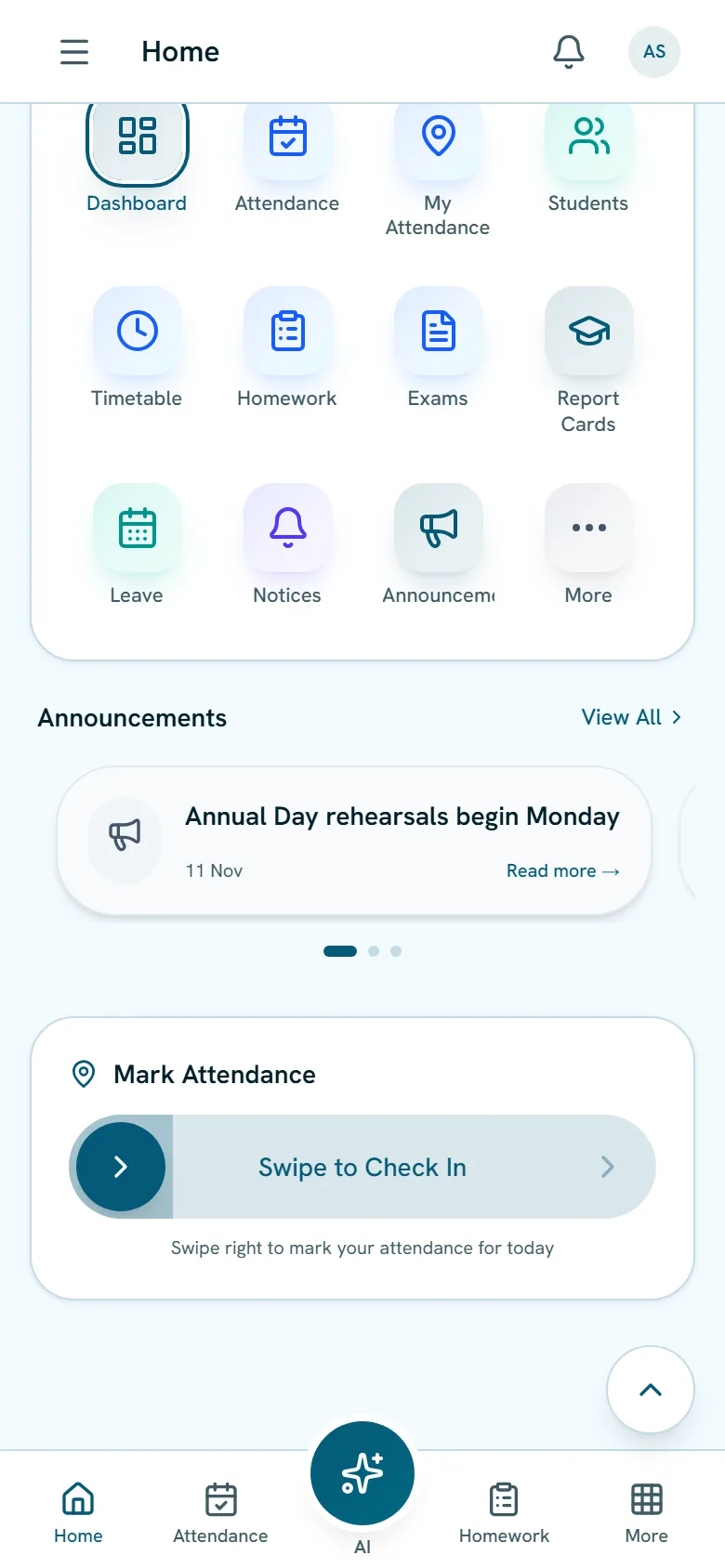
8:05
A swipe on the phone, verified against the campus location.
8:10
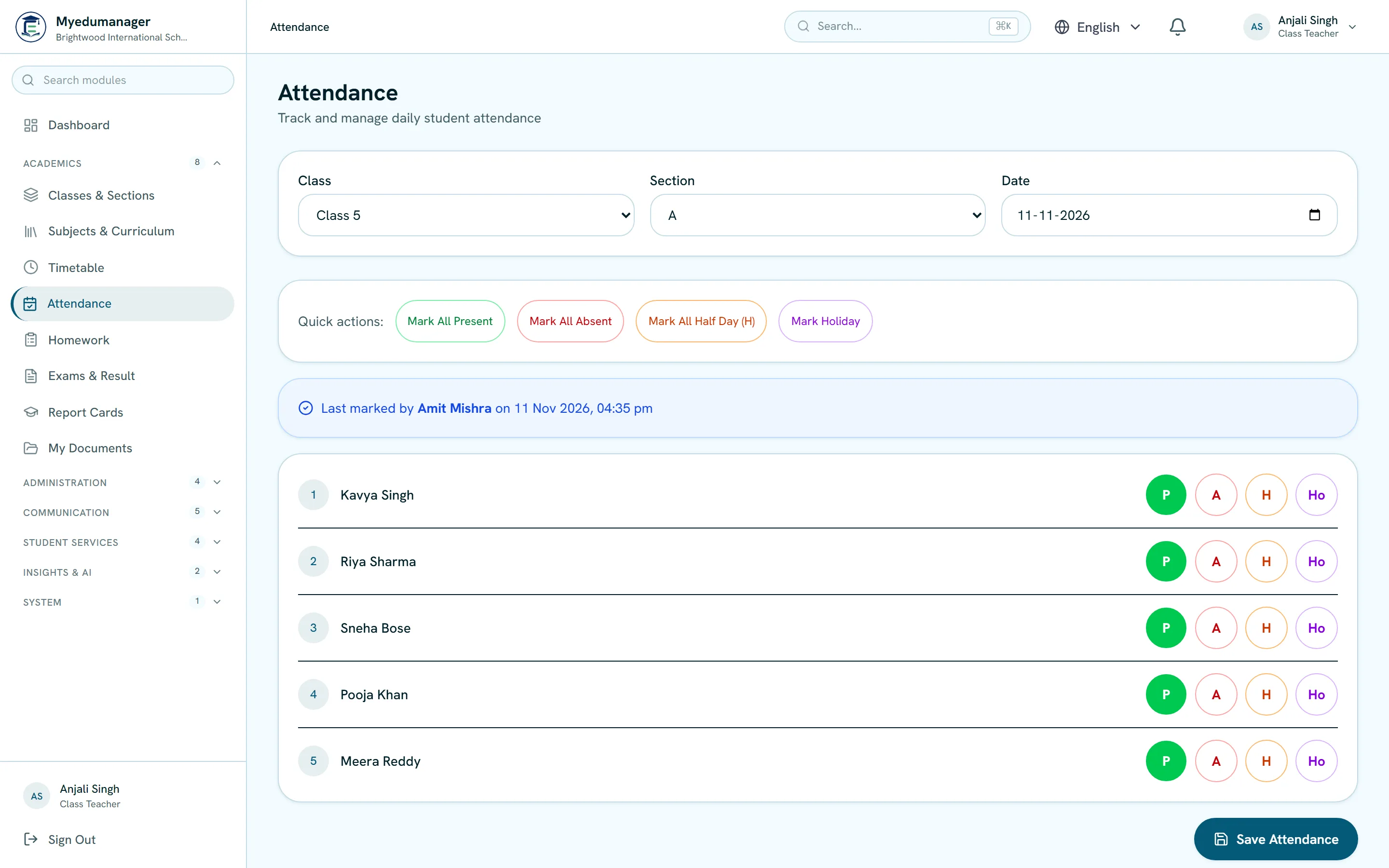
Mark the whole class present, change the few who are not, save once.
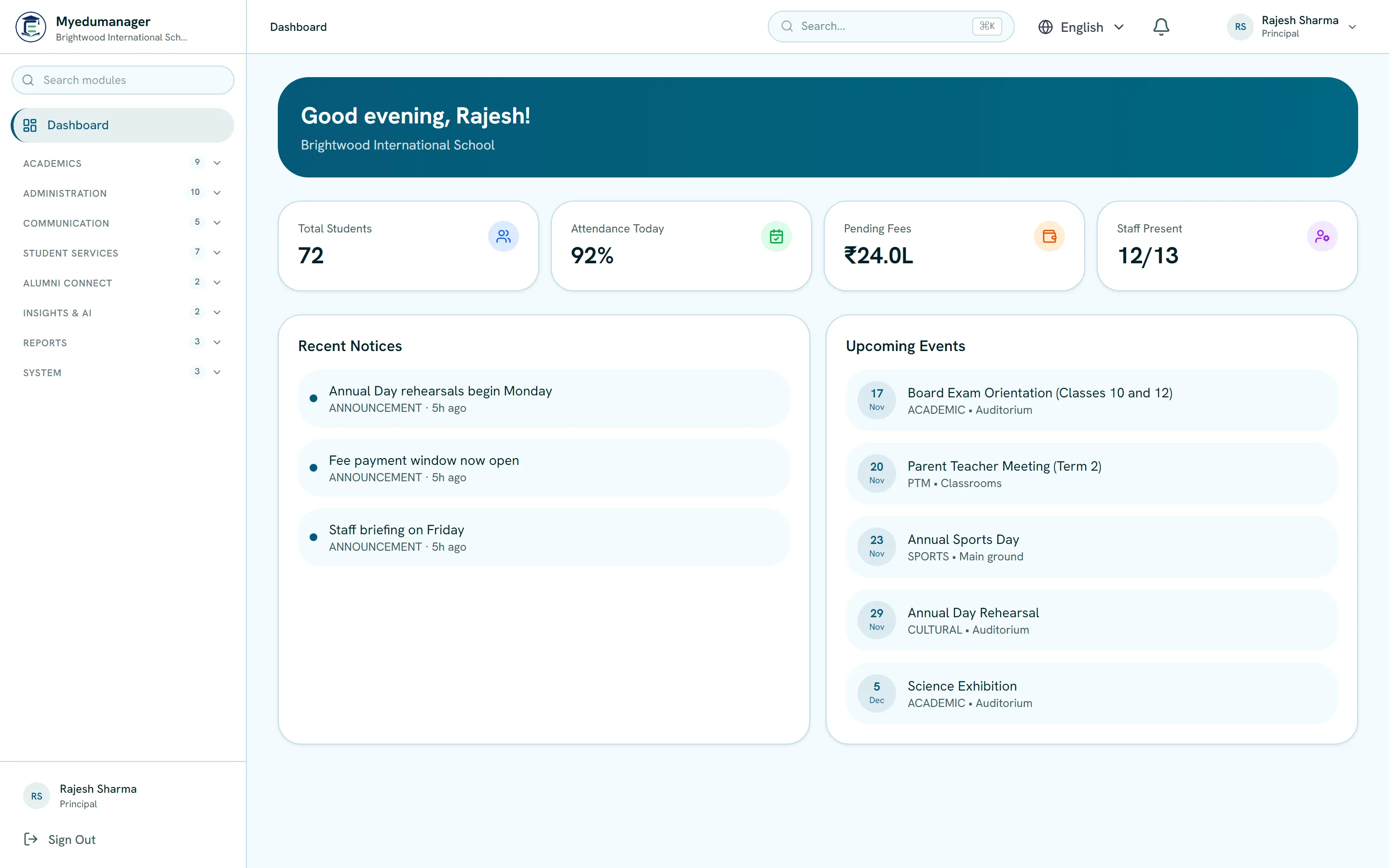
9:00
Attendance, staff on duty and what needs action, on one screen.
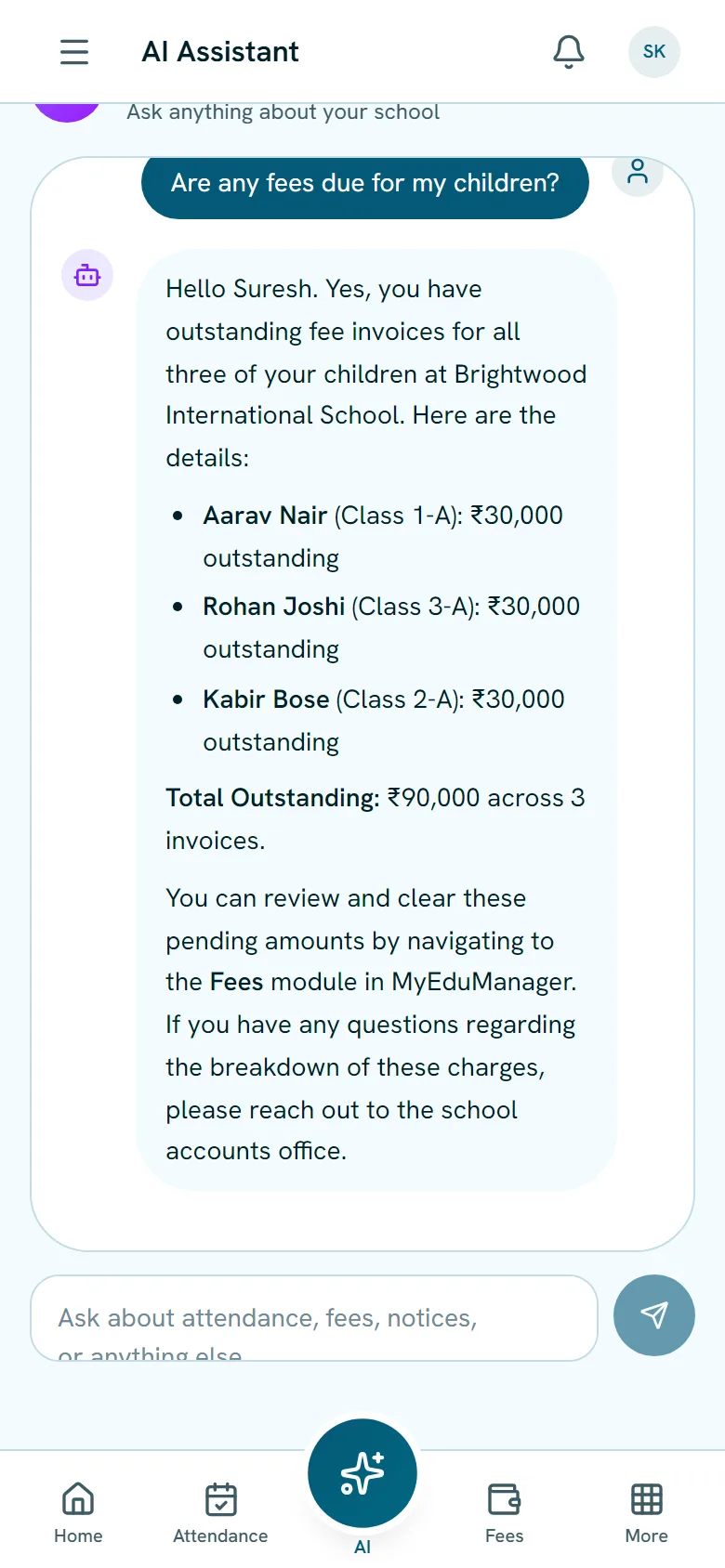
16:00
Fees due for each child, answered from the school’s own records.
Colleges and universities
From the admissions desk to the grade sheet, every step follows your regulations, and approved marks are locked.
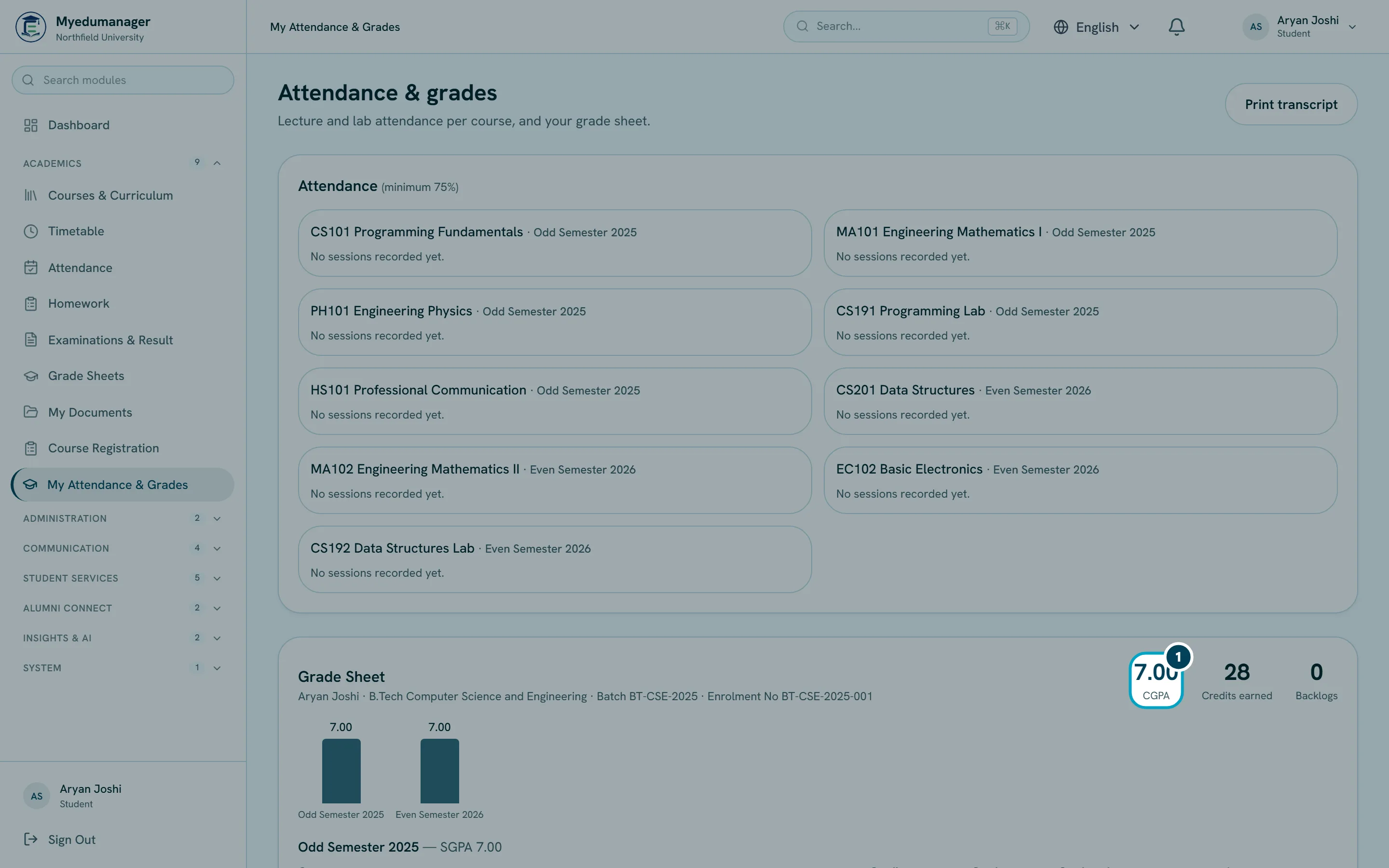
Sample institution and data.
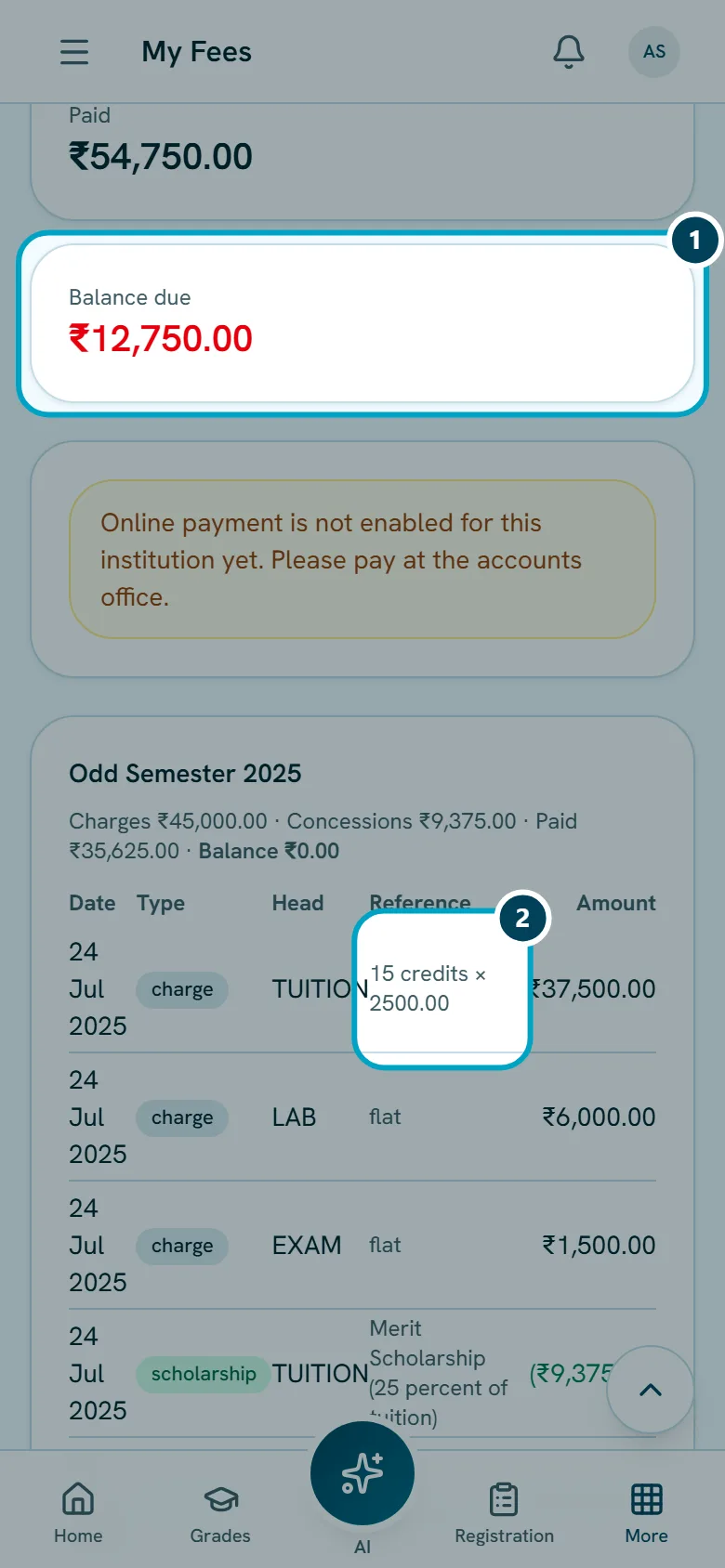
Sample institution and data.
Alumni Connect
Most alumni tools start with an import. Ours starts at graduation: the same record moves on, so nothing is exported or typed again.
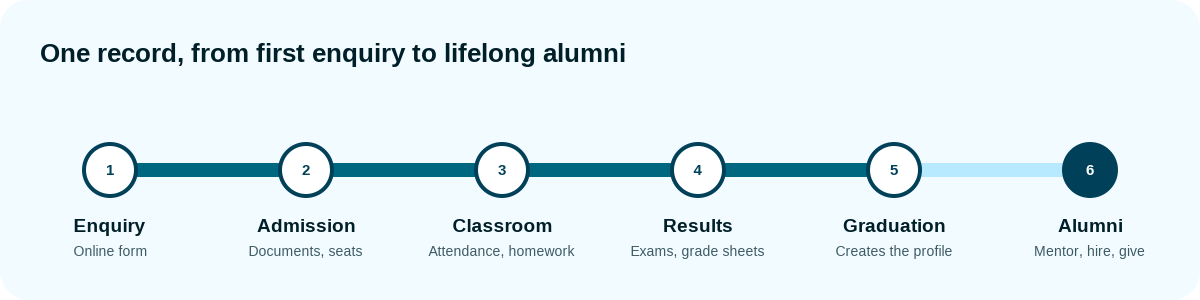
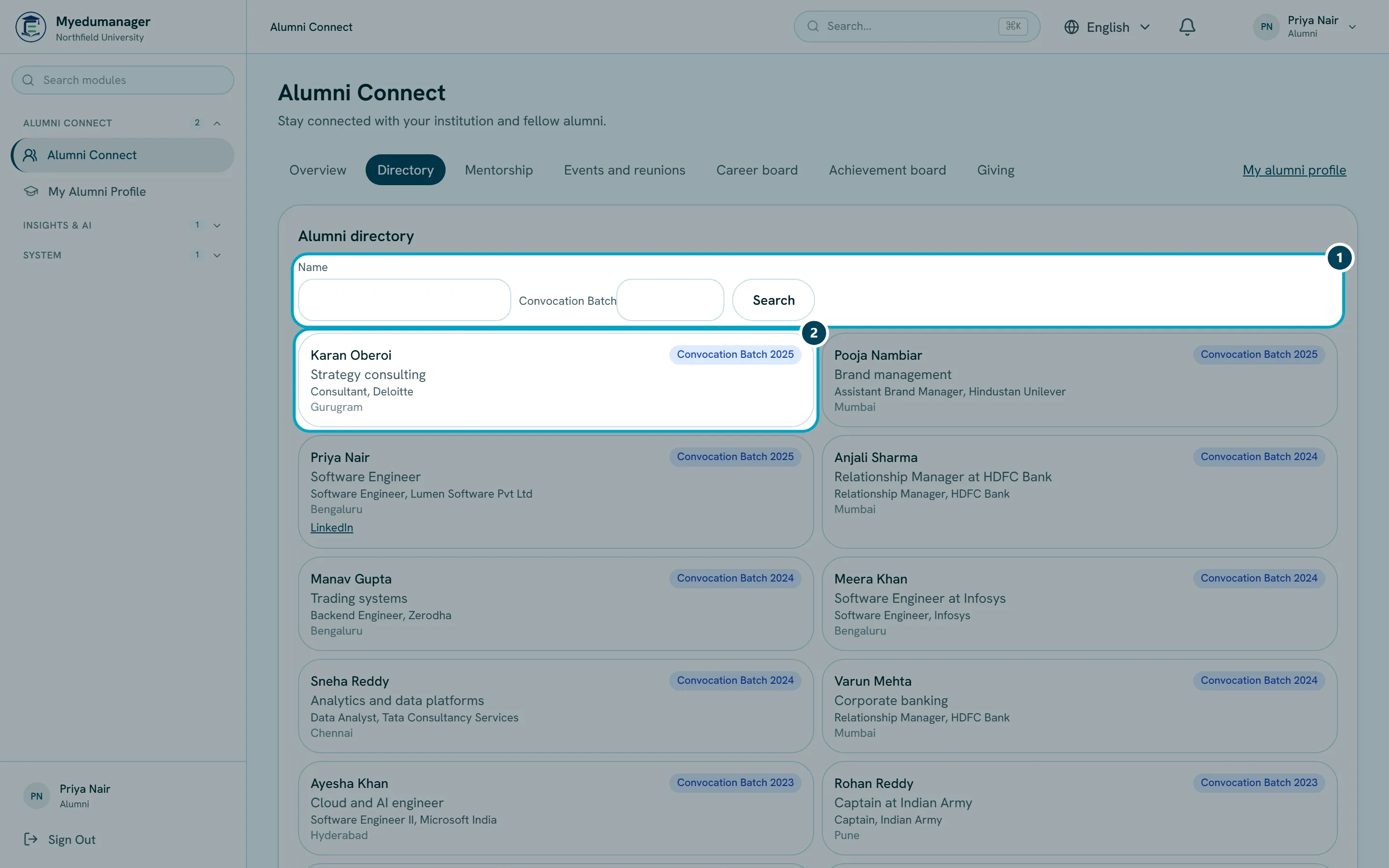
Sample institution and data.
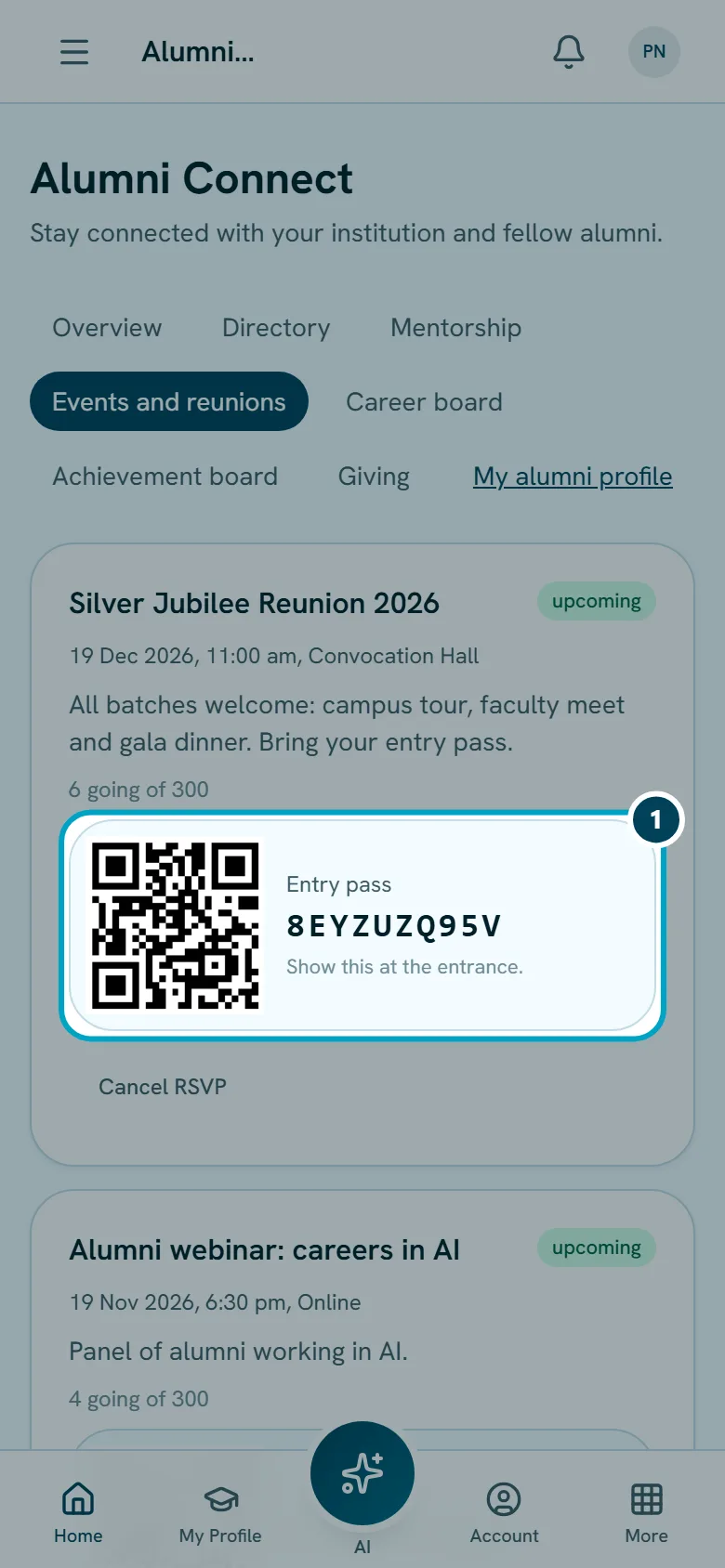
Sample institution and data.
Privacy by design
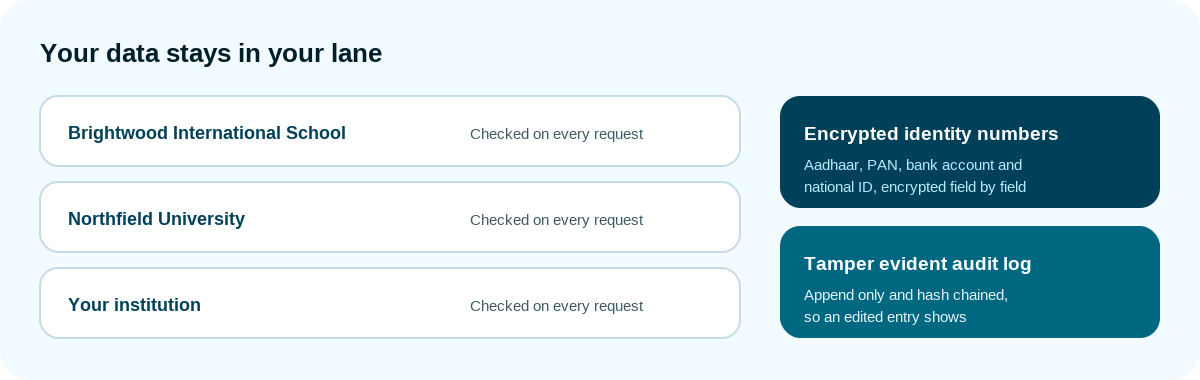
Every request is checked against the institution it belongs to.
Aadhaar, PAN, bank account and national ID are encrypted field by field.
Sensitive changes are written to an append only, hash chained log.
Students under 18 cannot join alumni mentorship without guardian consent.
Designed for India’s data protection rules. Ask us for the details your legal team needs.
Try it now
Sign in to our sample school or university in one click. Nothing to install.
Questions
Yes. A school sees classes, sections and report cards. A college or university sees programmes, batches, course registration, results with moderation and approval, and a credit based fee ledger. The wording on every screen follows the type of institution.
Students, staff, parents, classes and rooms come in through Excel templates with dropdowns and validation. A whole upload is checked first and saved together, so a bad row never leaves you with half an import.
MyEduManager is an installable web app. It opens in any phone browser and installs to the home screen in a tap, with push alerts and an icon badge. There is nothing to download from an app store.
Each institution’s data is kept separate and checked on every request. Identity numbers such as Aadhaar and PAN are encrypted, every sensitive change is written to a tamper evident audit log, and minors cannot join alumni mentorship without guardian consent.
Only what the person asking is allowed to see. A principal gets school wide figures, a teacher gets their own sections and a parent gets their own children. Every AI summary is labelled as AI generated.
The interface is available in ten languages, including Hindi, Tamil, Telugu, Marathi, Bengali and Arabic, and each person can choose their own.
Yes. A group can run several schools and campuses under one organisation, each with its own data, while group leaders see an overview across them.
Book a walkthrough. We show you the screens set up for your type of institution and talk through your setup, data and timeline.
Still have a question? Talk to us
A short walkthrough of the screens your staff, parents and students would use, set up for a school, a college or a university.